
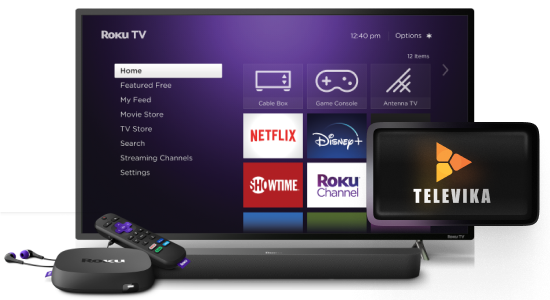
Televika channel is now available on Roku.
Watch Iranian movies and series, by adding Televika on your Roku player.
Living in US, Canada, Australia, or Europe? Now you can use Roku device to watch Televika.

Over 3000 Iranian Movies and Series for Persian-speaking Families
Watch Iranian on-screen movies online, along with thousands of Iranian movies and exclusive series from Televika, on Roku.




What you will have?
Over 900 Iranian movies and 2700 episodes of regularly updated series
Ad-free streaming with the finest picture quality
Up to 3 individual profiles with one subscription
Access to all Televika content on Roku for seamless experience
Cancel or change subscription plan at any time
Tutorial Videos
How to add and use Televika channel on Roku device
Adding Televika
How to Log In
Method 1: Scan the QR code using your smartphone’s camera, and you will log into your Televika account
Method 2: Visit televika.com/activate on your smartphone or laptop, and manually enter the code displayed on your TV screen to log into Televika on Roku